
The Preferences tab contains application-wide settings that apply to both User and API modes.
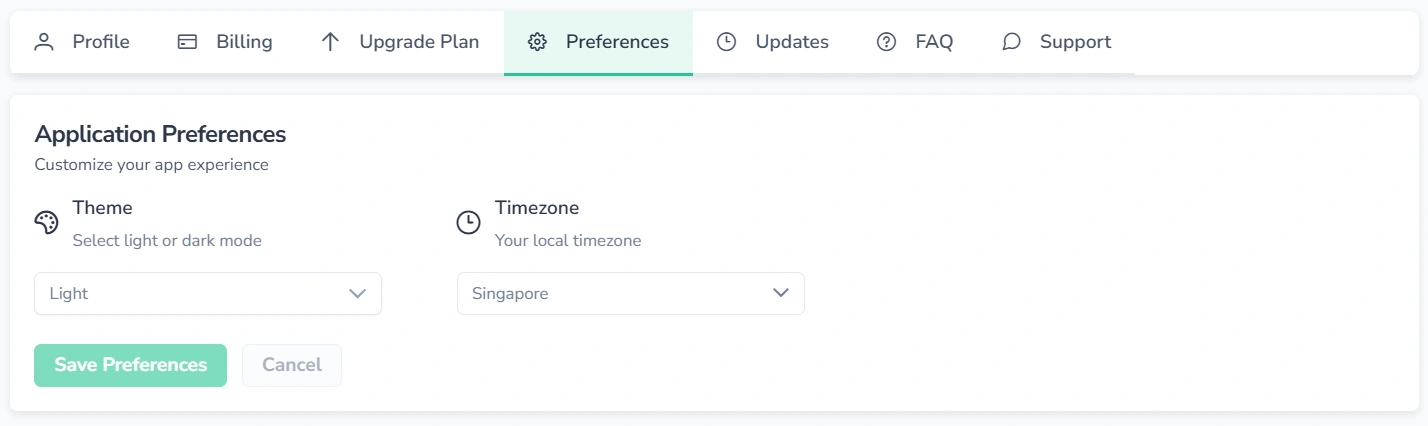
There are two ways to access the preferences:
- Navigate to Profile → Preferences
- Press the gear icon (top-right corner)
1. Theme
The following options are available:
- Light
- Dark
- System (follows browser settings)
Changes are applied upon saving.
2. Timezone
Timezone affects charts, timestamps, and reports. To update the timezone:
- Open the timezone selector
- Choose the required timezone
- Apply the selection
- Save preferences
3. Language Support
The FinImpulse interface is available in five languages: English, Spanish, French, German, and Ukrainian. To change the interface language, select it from the Language menu. You can also change it on the sign-in page using the globe icon.
To report a translation issue or request another language, use the contact form and select Localization in the Type of Inquiry field. New languages are prioritized based on user demand.