
AI Search: Natural-Language Asset Search in FinImpulse
An overview of how AI Search works: from a plain-language query to a filtered asset list.
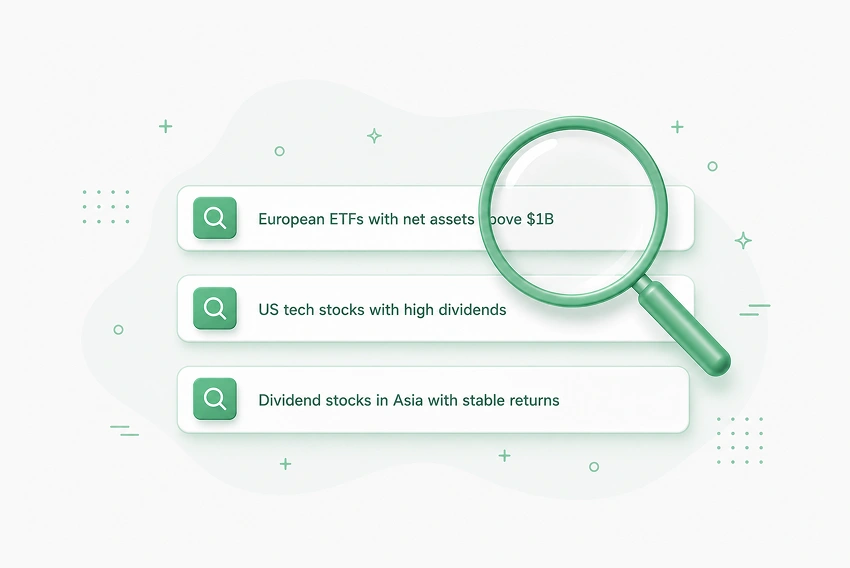
Finding the right assets across hundreds of thousands of instruments typically requires knowing which parameters to filter by and setting each manually. For example, a query like “dividend ETFs in Europe” quickly expands into a set of constraints: region, asset class, yield, fund size, liquidity, and historical consistency. In most tools, this means configuring each parameter individually — and often results in missing metrics or limited filter combinations.
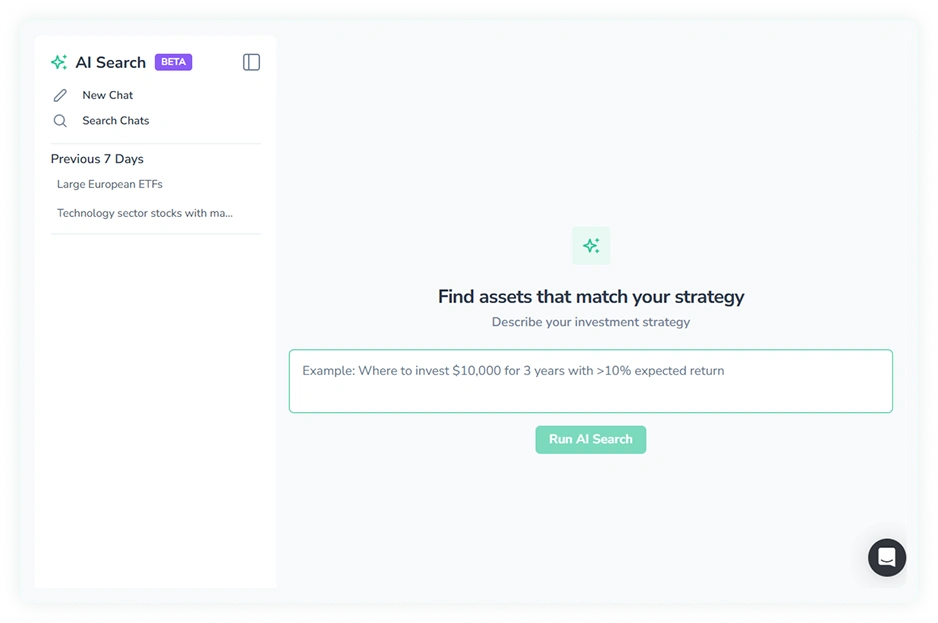
AI Search, a new feature in the FinImpulse dashboard, removes that translation step. You describe a screening idea in plain language; the system parses your intent, maps it to available data, and returns a matching asset list.
Disclaimer: AI Search is a search and filtering tool. It does not provide investment advice or recommendations. All investment decisions remain the sole responsibility of the user.
How AI Search Works
AI Search accepts a free-form text query — for example, “European ETFs with net assets above $5B and at least 3 years of trading history” — and converts it into a set of database filters applied against FinImpulse’s full asset universe.
Each query follows a consistent process: intent parsing, metric mapping, and query construction.
Intent Parsing
The system extracts key components from the request:
- asset type (stocks/ETFs/funds)
- geography (region, country)
- explicit constraints (yield, size, volatility)
- implicit signals (“stable”, “large”, “consistent”)
For example, “European dividend ETFs with stable performance and solid size” is broken down into region, asset type, dividend-related constraints, a stability signal, and a size threshold — before any data is queried.
Metric Mapping
Natural language is converted into measurable fields. Some mappings are direct:
- “large companies” → market cap thresholds
- “low debt” → debt_to_equity
- “growing earnings” → eps_growth
Others rely on derived metrics built from financial statements and historical data — indicators that are not available as simple filters in a traditional screener:
- free_cash_flow_margin
- return_on_invested_capital
- revenue_stability
- net_margin
This allows the system to work with signals like “stable business” or “quality company” that would otherwise require manual multi-step filtering.
Query Construction
The system builds a structured query across FinImpulse’s unified dataset — combining market data, fundamentals, historical performance, and computed metrics into a single executable query.
Handling Ambiguity
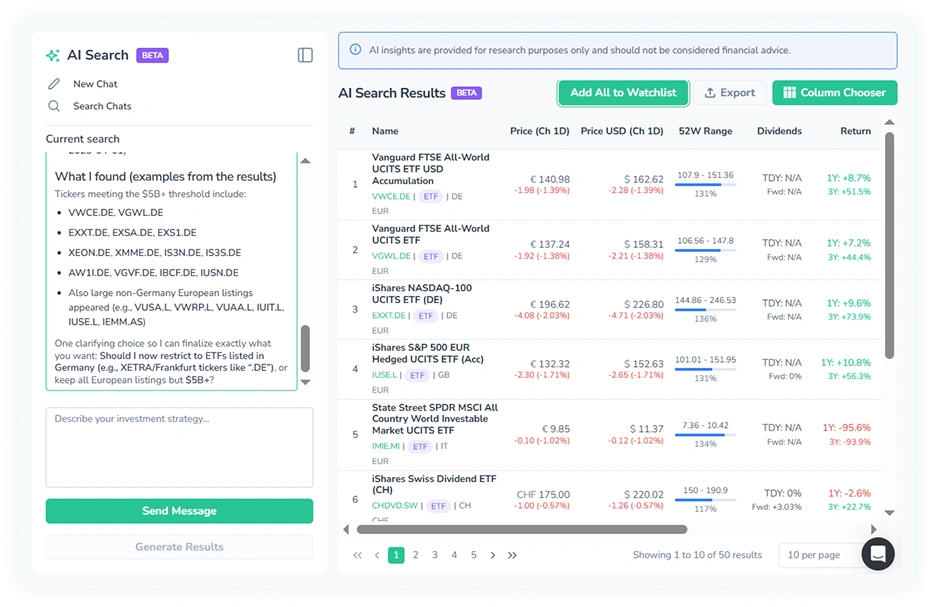
Not every query is fully specified. If the input is too broad or unclear, the AI asks a clarifying question rather than guessing.
For example, a query like “growth stocks in Asia” might prompt the question: large-cap or small-cap? Profitable or not? Specific countries or the entire region?
Once the ambiguity is resolved, the session continues — you can adjust thresholds, add constraints, or narrow the geography through follow-up messages without starting over.
Results and Output
For each query, the system displays how it interpreted the request: which filters were applied, which metrics were used, and how abstract terms were translated into measurable constraints. This makes the process transparent and easy to adjust.
Once the query is resolved, the results table can be generated. The table supports sorting, column customization, pagination, and export. The full result set can also be added to a watchlist in one click.
Where AI Search Fits
AI Search works as an entry point into the research process. It is well-suited for exploring ideas, generating a shortlist of assets, and testing hypotheses quickly — before moving into deeper analysis using the full dataset.
It does not replace structured screening for users who prefer precise manual control. The difference is the starting point: if you have a defined parameter set, use the standard filtering; if you have an idea you want to explore, use AI Search.
AI Search is available now in Beta — test it with a real query.