

To create, manage, or view API tokens, switch to API mode and access API Settings.
1. Default Token
By default, your account is provided with a primary API token. To view it, press the eye icon. Please remember to copy and store the token securely.
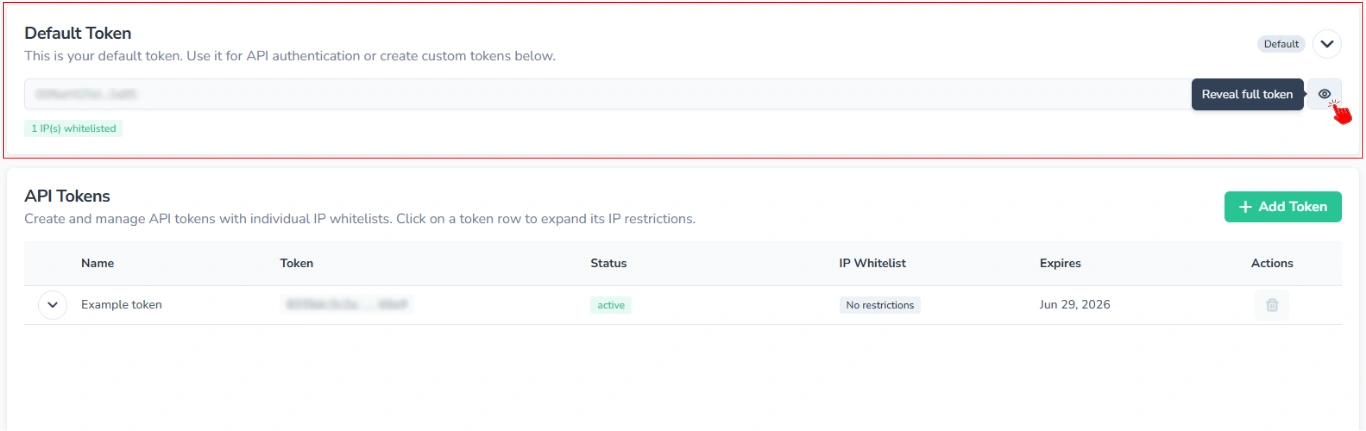
Use the arrow icon next to the token to expand the IP whitelist and manage allowed IP addresses.
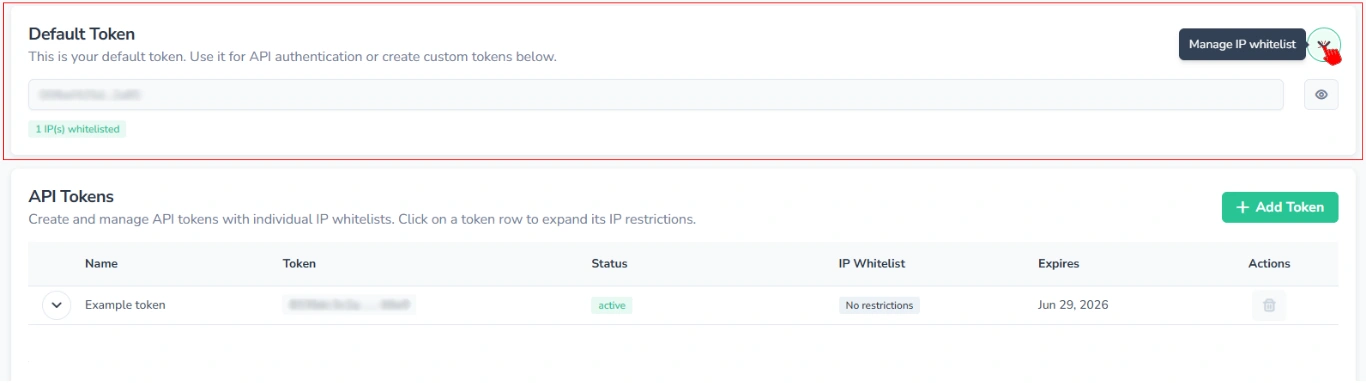
If you did not copy the primary token, you can display it again by confirming your password or entering a 6-digit code.
2. API Tokens
Here you can create and manage additional tokens.
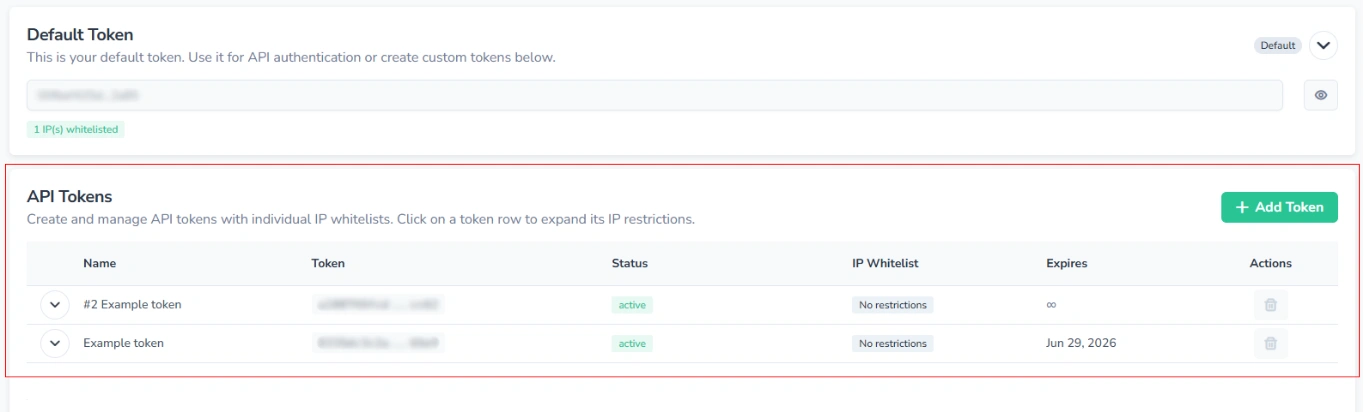
To create a new token:
- Press Add Token
- Enter the token name and optionally set an expiration date
- Press Create Token
Each additional token can be expanded using the arrow icon to manage allowed IP addresses.
Important: The secondary token value is displayed only once at the time of creation. Please copy and store it securely, as it cannot be recovered. If the token is lost, it must be deleted and a new one created.